Animated overlays for Twitch & Kick, drawn live in your browser — plus an app that logs in, builds your OBS and runs your chat, alerts and widgets. No setup. No keys.
Every scene on this page is live — not a videoScroll ↓
Twitch Kick One-click OBS Live chat Alerts 11 widgets Auto-arrange Login & go
SC. 01 The takes
Six themes. All of them live.
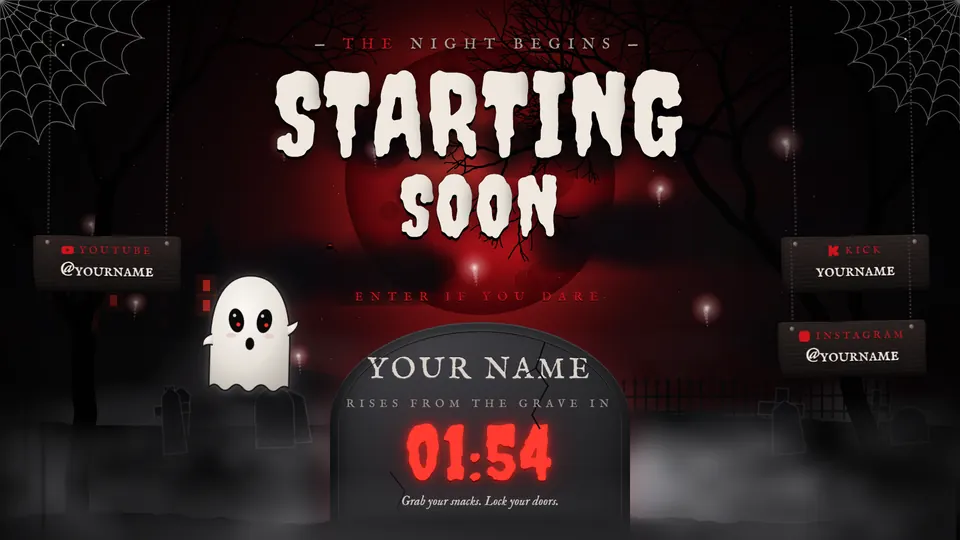
Every theme is drawn in real time — fog moves, ink boils, neon flickers. Pick a theme, pick a scene, open it full screen.
ROLLING…
—LIVE · 1920 × 1080
your name, everywhere ↘↙ alerts drop in here!
SC. 02 The crew
One app does the boring part.
Every scene ships with the Your Scene app. Log in, press one button, stream. It even arranges itself.
Layout — auto-arrangeFig. 2
← drag the red handle →GAME 1520 × 855
try it!
01
Login with Twitch or Kick
One click. Name, links, chat and alerts fill themselves in — nothing to type into the theme, ever.
02
One-click OBS install
Builds Starting, Live, BRB and Ending in their own scene collection. Your own scenes stay untouched.
03
Drag anything
Move or resize chat, game or bars — everything else makes room. Try the sheet on the left.
04
Eleven widgets
Goals, latest & top supporter, recent events, viewers, emote wall, credits — in the theme's own style.
05
Remembers you
Log in once; it reconnects by itself when the internet drops.
06
Locked to your channel
Encrypted, licensed to the channel it was made for. Copies don't run anywhere else.
SC. 03 Call sheet
Idea to on air in four takes.
A custom scene usually takes a few days. You see it moving before you pay the rest.
Take
What happens
Who
Time
01
The brief
Your vibe, colours, character and games — two minutes on the order form.
You
2 min
02
The design
Every scene built live: starting, live, BRB, ending, alerts and chat. You get a preview link.
Us
A few days
03
The delivery
One zip: your scene with the Your Scene app inside. Nothing to install.
Us
One file
04
Action
Open it, log in, press Install to OBS. That's the whole setup.
You
One click
SC. 04 Tickets
Pick your seat.
One-time payment. No subscription. App updates are free, forever.
Made for one channel. Yours.
Every scene is encrypted and licensed to the Twitch / Kick channel it was made for, with a hidden mark in each copy. Personal use only — not for resale.
 ROLLING…